Use
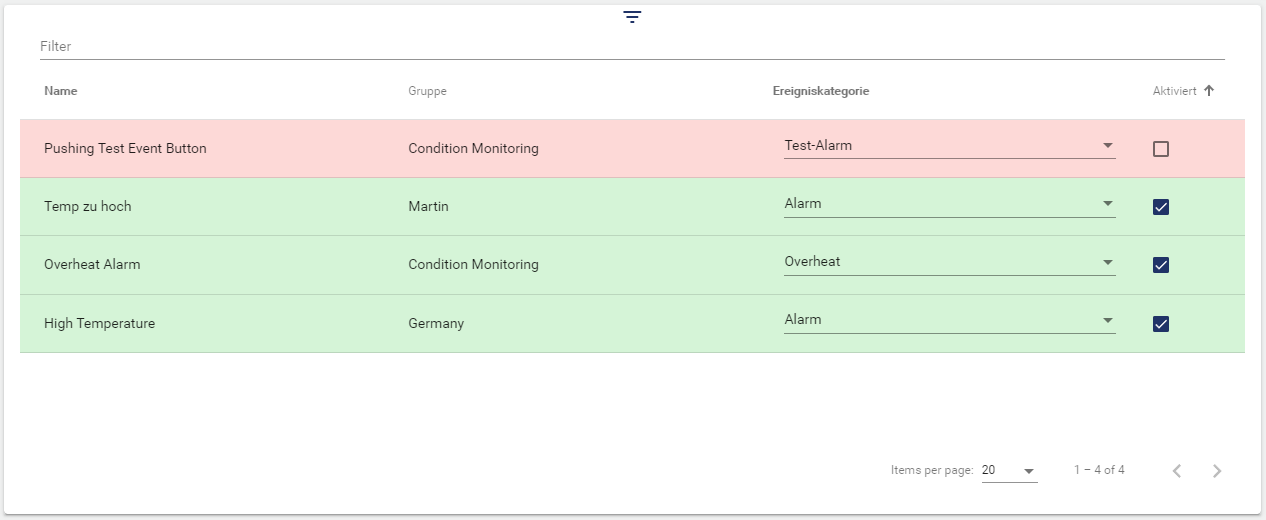
The widget displays Event Definitions and allows you to enable or disable them from the Dashboard, and also change their Event Category.
Configuration
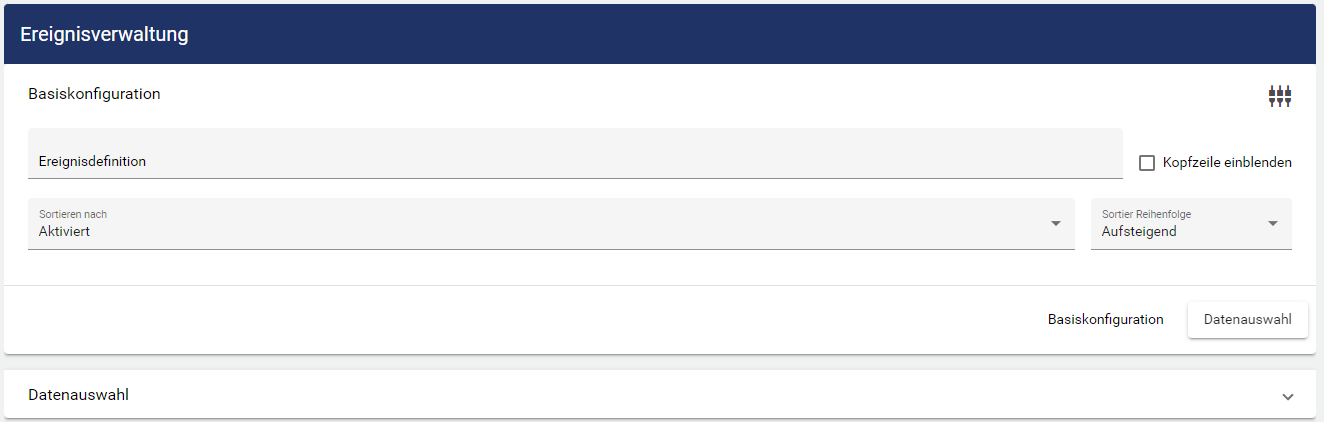
The header can be selected via the title and displayed via the button on the right. Sorting can then be selected. The sorting sequence can be selected in ascending or descending order.
-
Name: The Events are sorted by name.
-
Activated: The Events are sorted by activated and not activated.
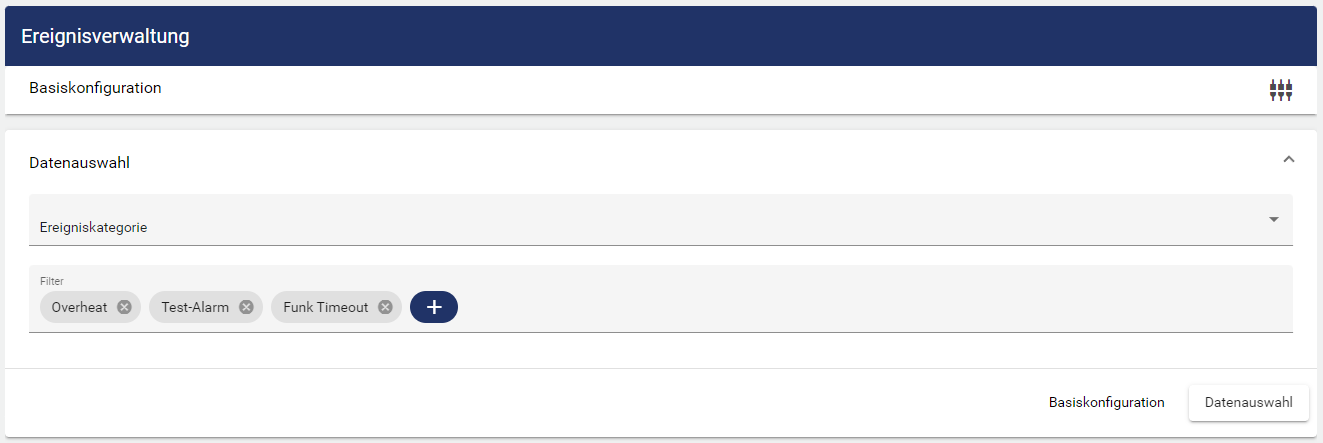
In the data selection, you can use Select Entity to select which Events are to be displayed. The following three options are available for selecting the data:
-
Group: All Event Definitions within the selected Group are displayed.
-
Event Category: All Event Definitions within the selected Event Category are displayed.
-
Event Definition: All Event Definitions that were selected are displayed.
Multiple objects from different Clients can also be displayed.